Magic Hover Button
Hover over any image on almost any site, from stock libraries to social feeds and Google Images, and click the button that appears. Your prompt is ready in seconds.
A reverse image prompt generator for Midjourney, ChatGPT Images, Stable Diffusion and Flux.
Feature overview
Hover over any image on almost any site, from stock libraries to social feeds and Google Images, and click the button that appears. Your prompt is ready in seconds.
If a site hides an image behind other layers and the button does not appear, right-click the image and choose "Generate AI Prompt" from the menu.
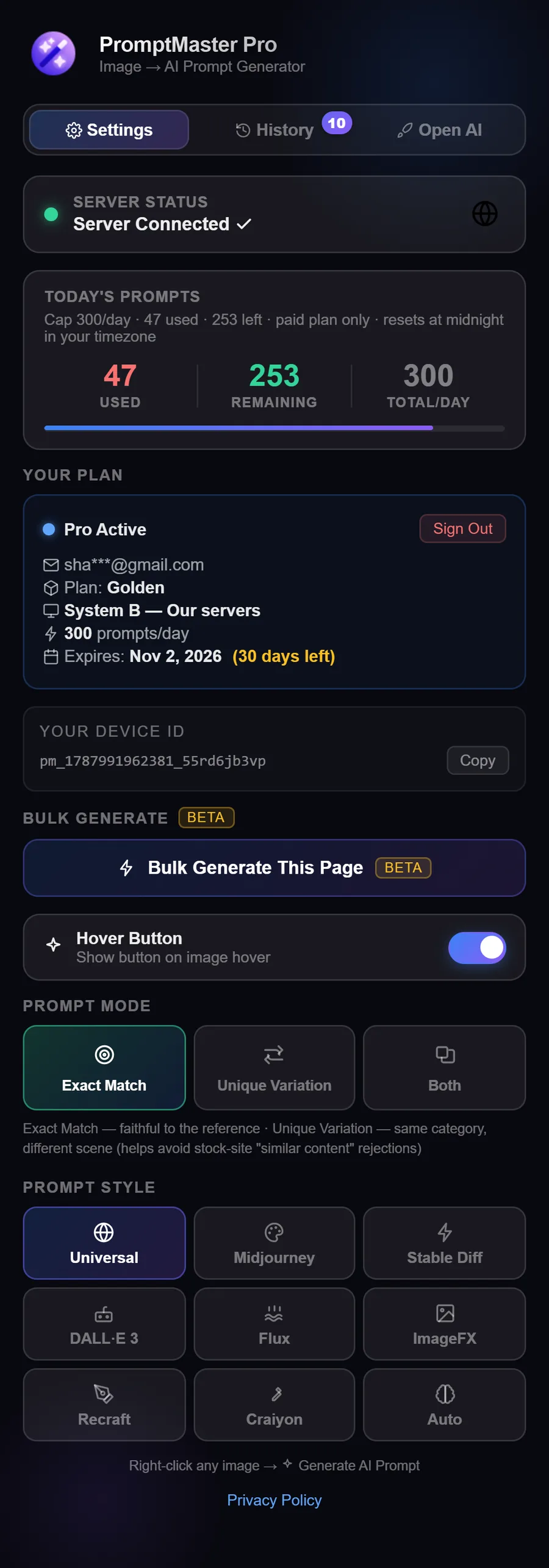
Press Ctrl+C while a result is open to copy the prompt. On Silver and Golden, Alt+Q switches between Exact Match and Unique Variation from any page.
Universal, Midjourney (with parameters), Stable Diffusion (weighted tags), ChatGPT Images (natural language), Flux, Nano Banana, Recraft, Craiyon, or Auto-detect. One click to match your pipeline.
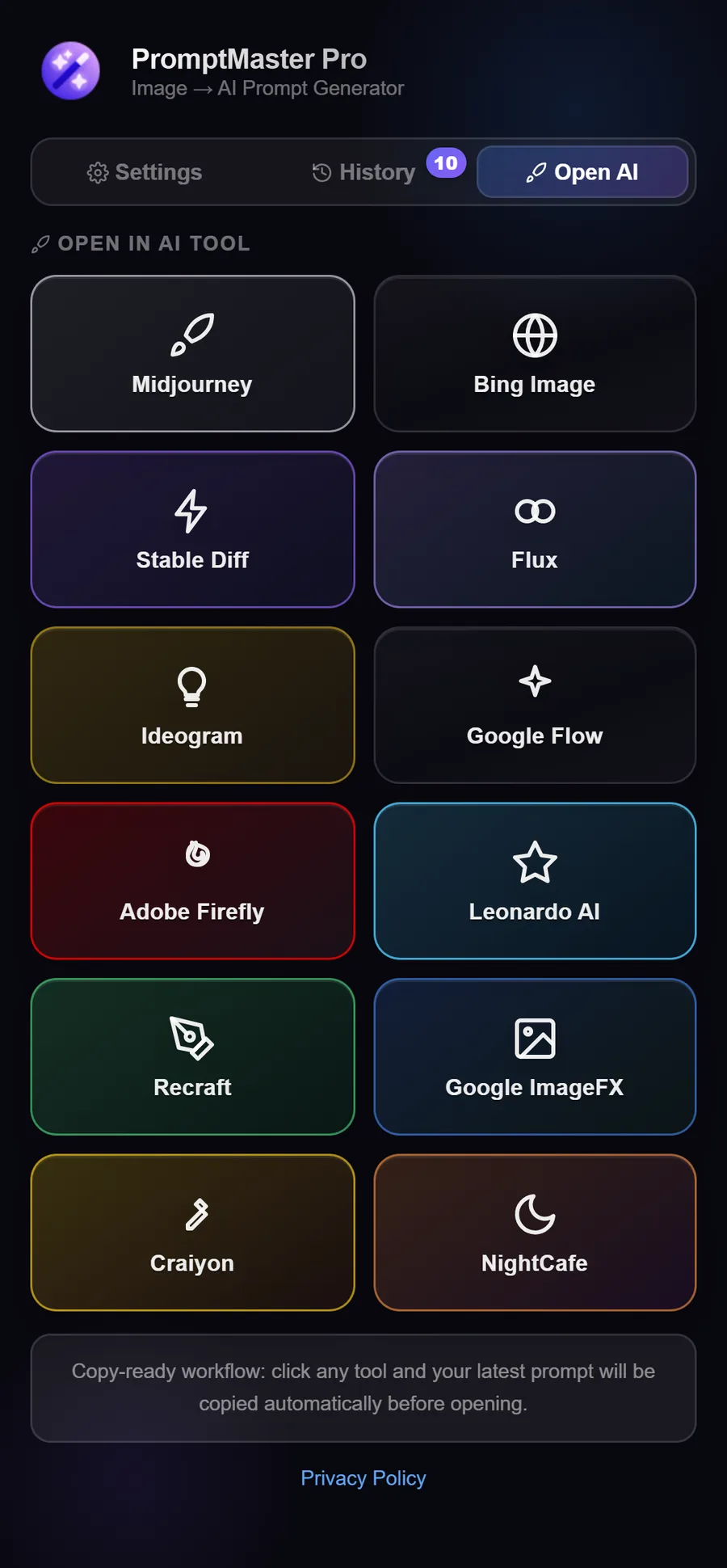
One click copies your prompt and opens Midjourney, ChatGPT Images, Nano Banana, Flux, Ideogram or 7 more tools in a new tab, ready to paste.
On Silver and Golden plans, generate a second prompt for a same-category, different-scene variation, which helps avoid stock-site "similar content" rejections.
On Golden, one click gives you an Exact Match and a Unique Variation prompt side by side, each with its own Copy button.
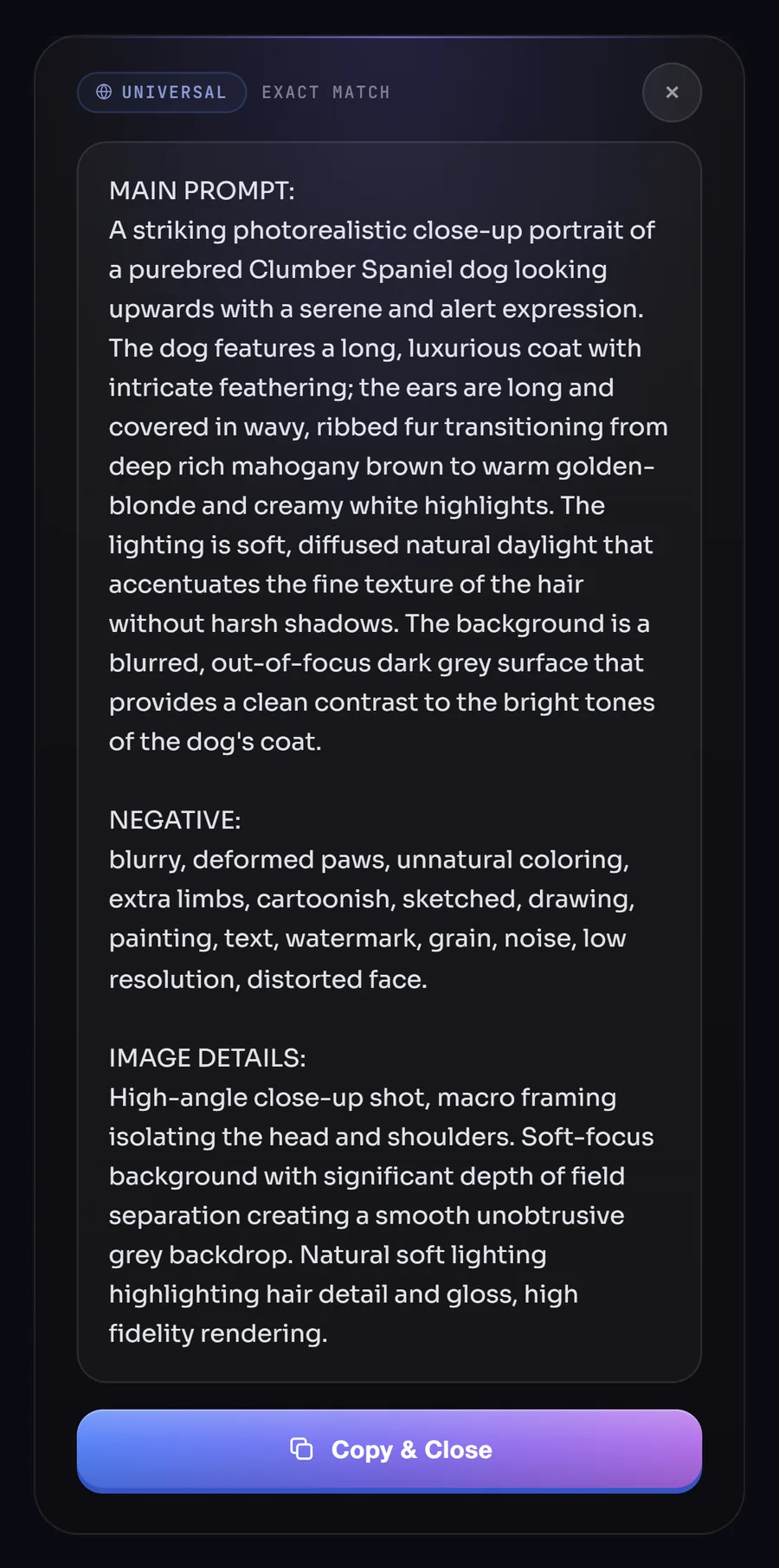
Lighting, lens, composition, colors, mood, and materials, structured so your generative model can recreate the look you want.
Universal, Stable Diffusion and Craiyon prompts come with a NEGATIVE: section that lists what to leave out. You see it with your result, and Copy gives you just the main prompt.
On Free and Golden, our servers run Google Gemini with Groq as a backup, so your prompt is usually ready in a few seconds.
On Own API Key plans, add a free Groq key (recommended: 5× faster, 0.5–1.5s) or Gemini key. Platform fee only, no markup on inference from us.
On We Handle It plans, there’s zero setup: our servers run the model; you just install and generate.
Try the product with 50 free prompts on our server, perfect for validating quality before upgrading.
From light personal use to 1,000* prompts/day and multiple devices. See pricing for limits and billing options.
Daily counters reset at midnight in your local timezone, not UTC, fair for contributors worldwide.
Revisit and copy previous outputs from the extension; history stays on your device (details vary by plan).
On Silver and Golden plans, process multiple images in one batch instead of one at a time, saving time when tagging large sets.
On Silver and Golden plans, download your entire prompt history as a CSV file anytime, handy for bulk uploads and record-keeping.
Logic for transparent backgrounds, watermarks, and detailed typography in images, tuned so prompts stay useful and clean.
Silver and Golden work on all your devices with one subscription, and your daily prompts are shared across them.
Pay by card via Lemon Squeezy for instant activation, or with bKash or Nagad right on our checkout page.
Step-by-step guide from install in Chrome, Edge, Firefox or Opera to your first generated prompt.