Remove the background from any image
Free and automatic. Add an image and the background is gone in a few seconds, right in your browser. Your image is never uploaded.
Background Remover
Remove the background
Drop it here, paste it with Ctrl + V or choose a file.
JPG, PNG or WebP. Works on people, products, pets and art.Remove the background from any photo in a few seconds. Add your image and the background goes by itself, right in your browser. Your image is never uploaded.
- Your image is not uploaded
- 10 free images a day
- No sign-up
- No watermark
See it on real images
Drag the line to compare, pick a background, or try the image in the tool.
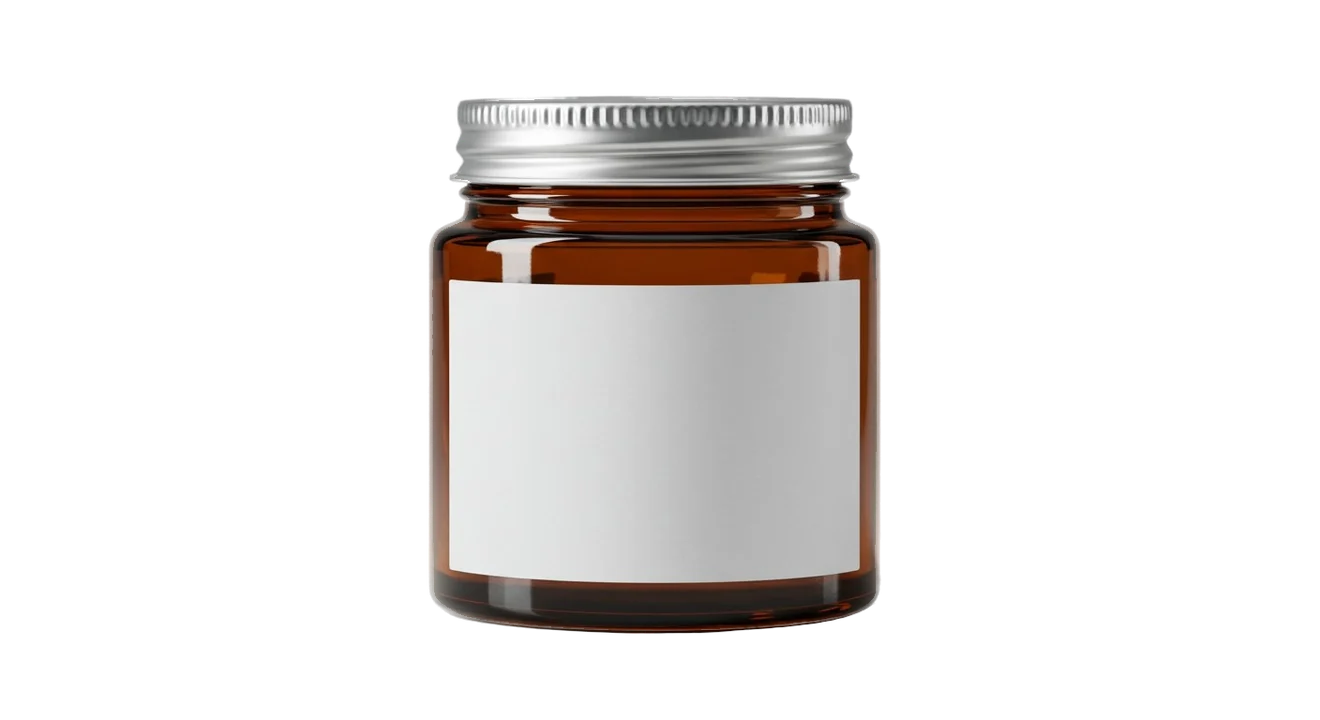
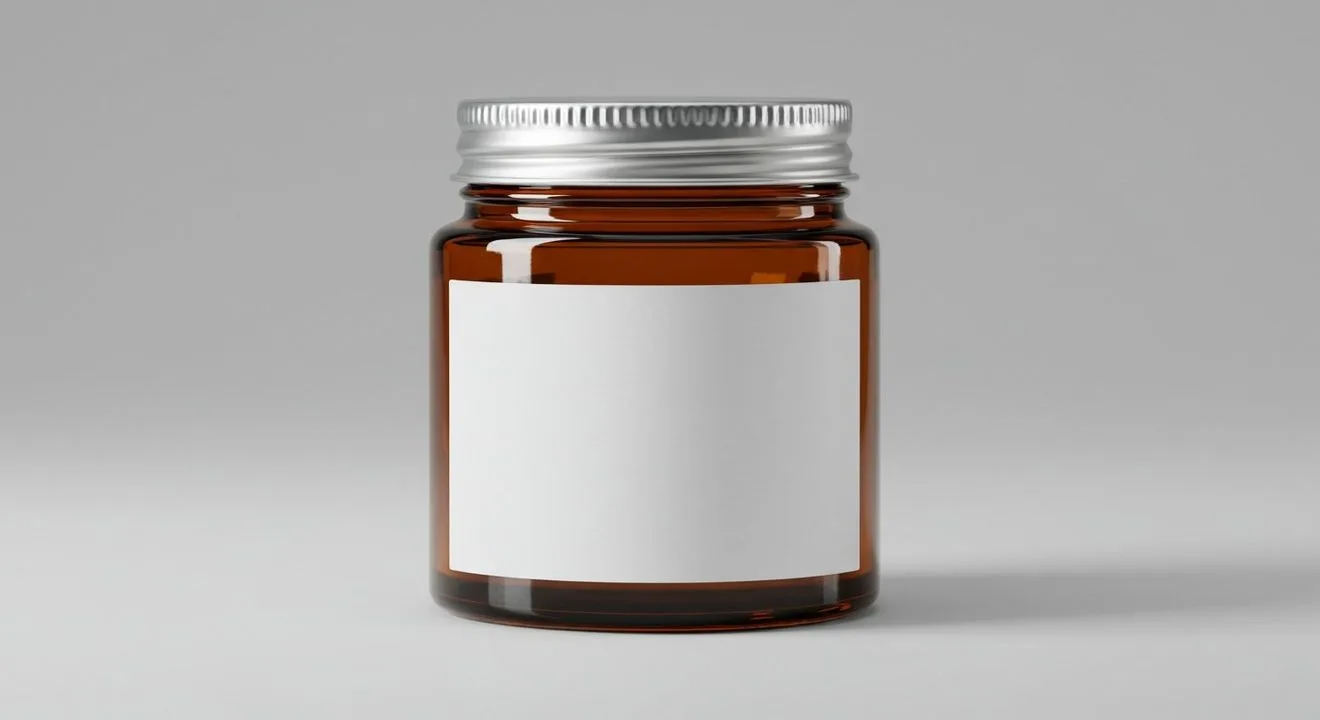
For online shops
A clean cut-out of your product, ready for a white background or your brand color.
Why people use this one
Your image stays on your device
The tool runs inside your browser, so your photo is never uploaded. Our server only counts how many images you used today. That is all it knows.

You stay in control of every edge
If a spot is missed, you can erase or restore it with the brush. Change the brush size, zoom up to 400% and undo a step whenever you like.
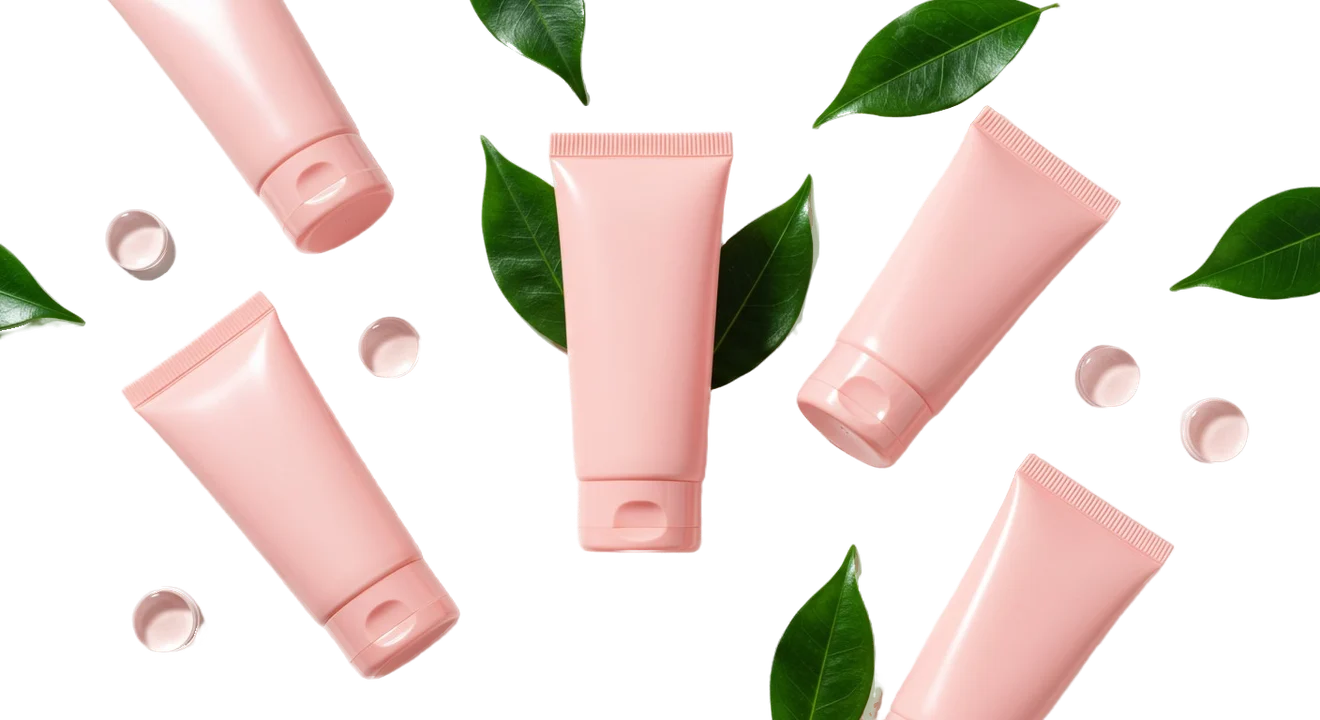
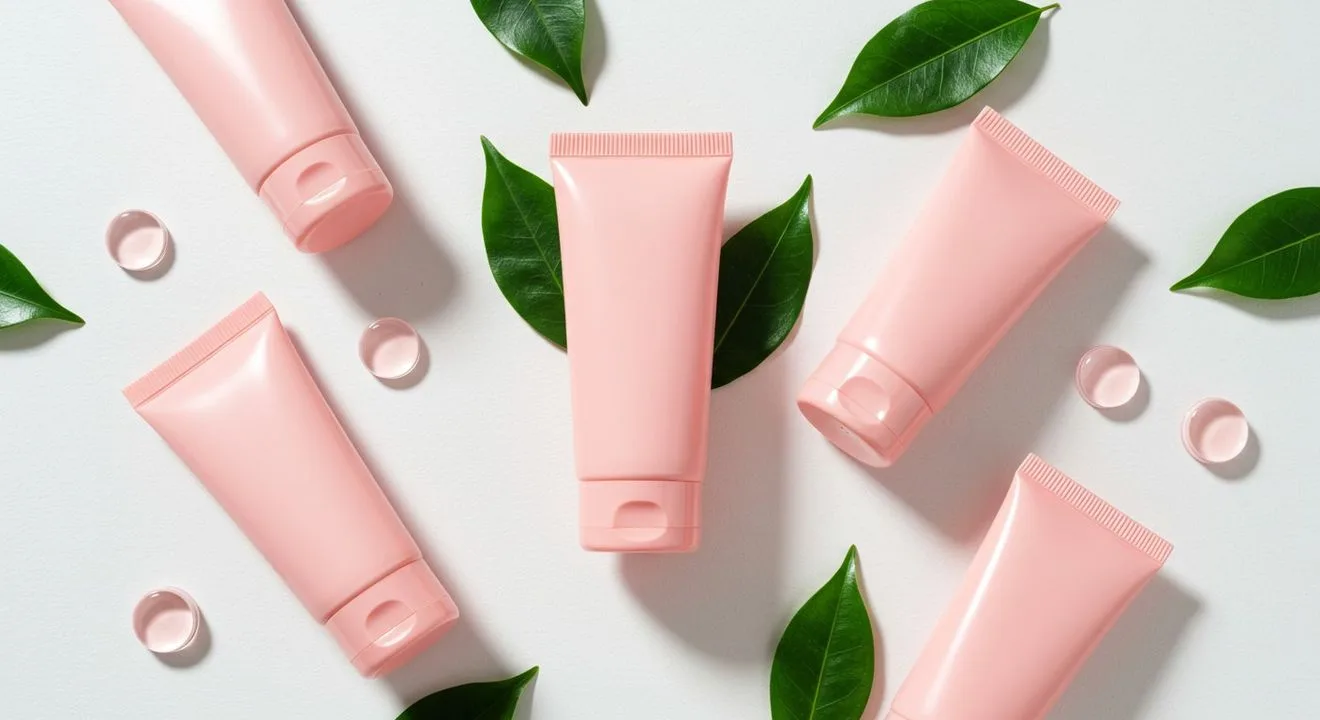
Sizes that fit stock sites
Pick a download size and see at once if Adobe Stock, Shutterstock and Dreamstime take it. Try the sizes here.
How it works
- Step 1
Add an image
Drop it in, paste it with Ctrl + V or choose a file. The background goes by itself, on your device.
- Step 2
Check and touch up
Drag the line to compare and zoom up to 400%. You can erase or restore any spot with the brush.
- Step 3
Download
Pick the background and the size, then save a transparent PNG or a JPG.
Free and paid plans
| Feature | Free | Silver | Golden |
|---|---|---|---|
| Images a day | 10 | 50 | 150 |
| Download size | Up to 2x | Up to 4x | Up to 4x |
| 16 MP for stock sites | Not included | ||
| Best quality enlarge | Not included | ||
| Brush, backgrounds, PNG and JPG |
Questions
Short answers about the Background Remover.
See all questionsYes. You can remove the background from 10 images every day for free, with no sign-up and no card.
No. The work happens in your browser, on your own device. Your image never leaves it. Our server only counts how many images you used today.
JPG, PNG and WebP images up to 25 MB. Very large images are worked on as a 40 MP copy.
A PNG that keeps the transparent background, or a JPG with a solid background. There is no watermark on your download.
Yes. You can keep it transparent, or choose white, black or any color you like.
You can erase or restore any spot with the brush, change the brush size and undo a step.
The tool is saved in your browser once. After that it opens at once.
The latest Chrome or Edge on a computer.
Yes. Free goes up to 2x of your image. Silver and Golden go up to 4x, with a 16 MP size for stock sites and Best quality.






Remove your first background now
It takes a few seconds, and your image stays on your device.