Check your image before you upload it
Free and fast. See the size, blur, focus, noise, text and people in one report, right in your browser. Your image is never uploaded.
Image Checker
Stock sites turn images down for small size, soft focus, noise, text and missing model releases. Check those things first, in a few seconds, before you spend time on keywords and upload.
- Your image is not uploaded
- Free to use
- No sign-up
- Six checks in one report
See it on real images
Each report here is what the checker found in that picture. Try the image yourself.
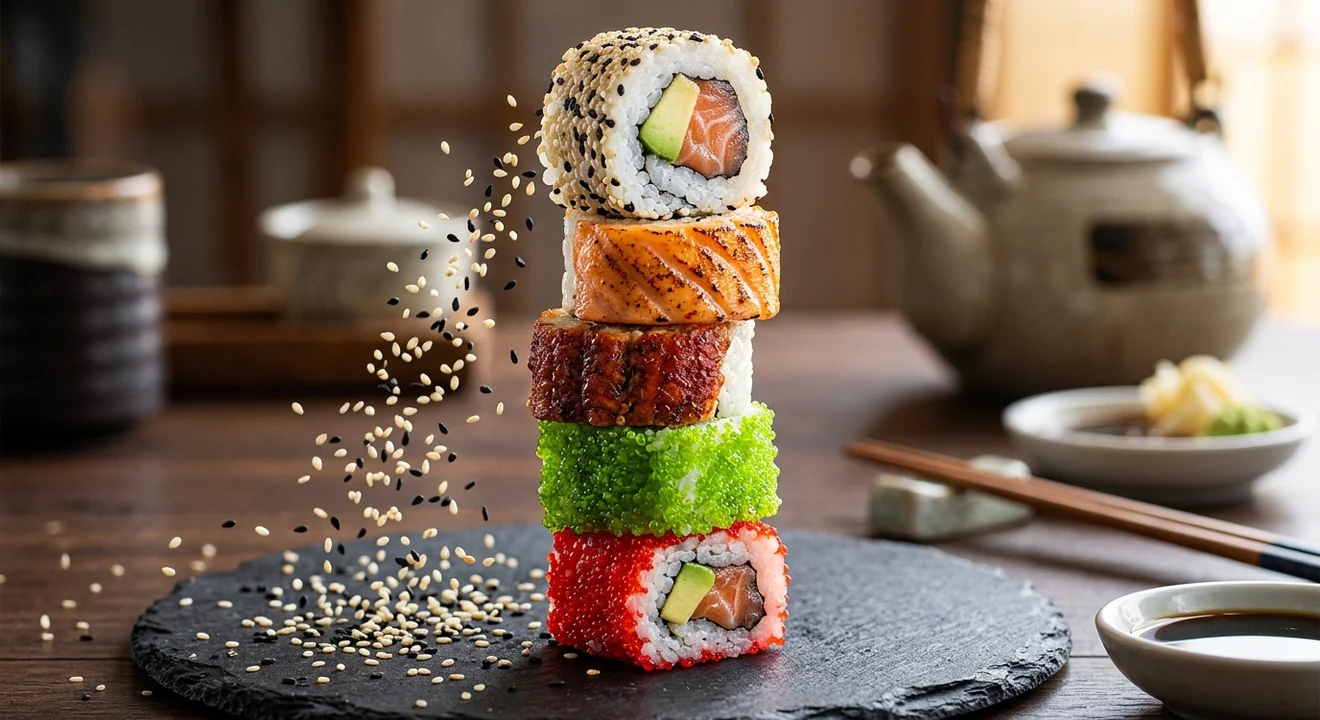
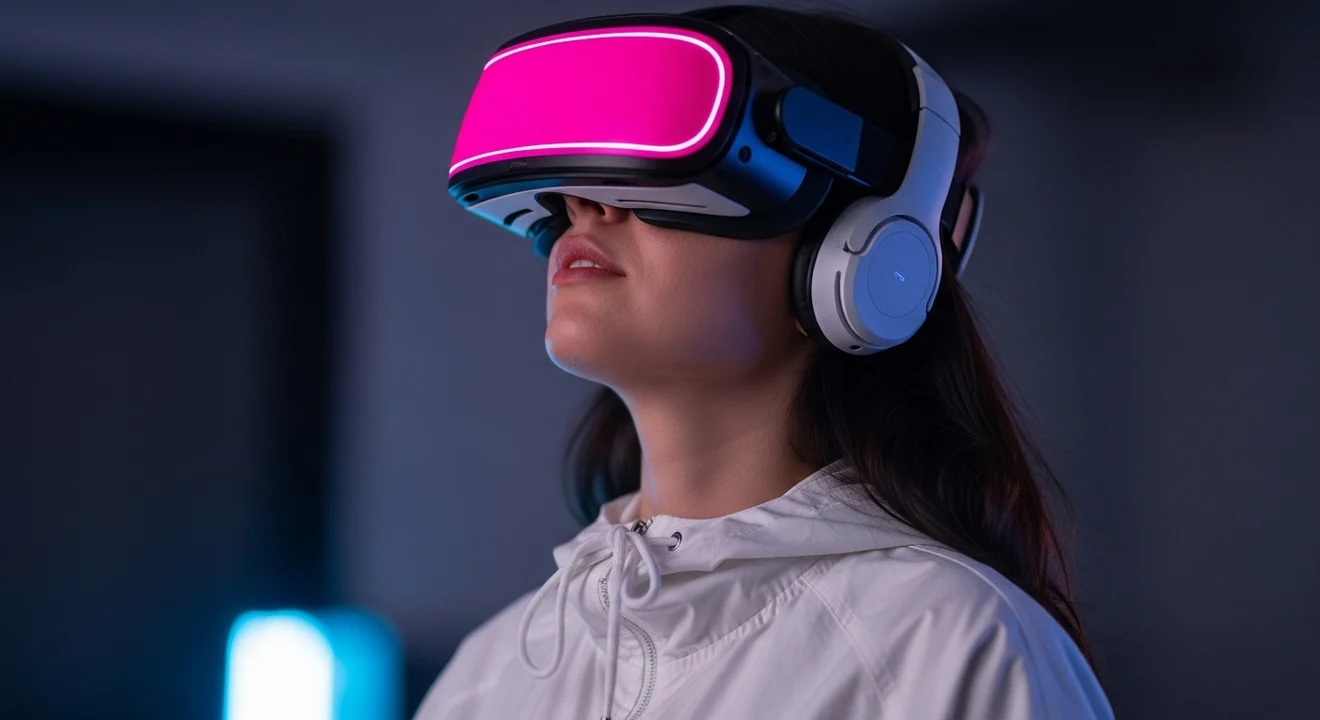 Person
- Size1.1 MP, 1,408 x 768 pxFix this
- FocusSharp, and the person is in focusOK
- NoiseCleanOK
- TextNo text foundOK
- People1 person foundLook at this
- File detailsThe file says it was made with AIInfo
A model release may be needed
The checker finds the person and checks that she is in focus. The file also says it was made with AI, and at 1.1 MP it is too small.
Why people use this one
Know at once if the size fits
The checker counts the megapixels and shows which of nine stock sites take your image, from Adobe Stock and Shutterstock to Freepik, Vecteezy and Alamy, before you upload it.
A soft background is fine
It cuts the image into parts and looks at the sharpest ones, so a blurred background does not count against you. If a person is in it, it checks that the person is in focus.
See what the file says about itself
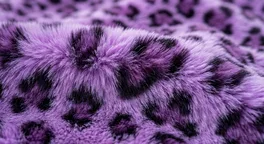
Camera, lens and date, or the AI label that tools like Google and Adobe put into the file. Saving a copy removes these details, so a missing label proves nothing.
- Content Credentials
- Found (C2PA)
- AI label
- Made by AI
How it works
- Step 1
Add an image
Drop it in, paste it with Ctrl + V or choose a file. It stays on your device.
- Step 2
Read the report
Each check shows OK, Look at this or Fix this, with a short reason.
- Step 3
Fix and upload
Fix what the report found, check the new file, then upload it to the stock site.
Questions
Short answers about the Image Checker.
See all questionsYes. It runs in your browser, so there is nothing to pay.
No. Every check runs on your own device. Your image never leaves it.
No. It catches common reasons for a refusal. The stock site still reviews the image itself.
Not yet. Our logo test gave too many wrong warnings, so we left it out for now. The text check does read brand names written in the image.
No. No free check we tested counted fingers right, so look at the hands yourself.
Only when the file still carries a label from the tool that made it. Saving a copy or taking a screenshot removes that label, so a missing label proves nothing.
Your browser saves the text reader the first time. After that it opens at once.
The latest Chrome or Edge on a computer.





Check your next image now
It takes a few seconds, and your image stays on your device.