Make any image bigger and sharper
Free and automatic. Add an image and it is made 2x bigger by itself, right in your browser. Your image is never uploaded.
Image Upscaler
Make an image bigger
Drop it here, paste it with Ctrl + V or choose a file.
JPG, PNG or WebP. Up to 4x bigger, or 16 MP for stock sites.Make a small or soft image bigger and sharper. Add your image and it is enlarged right in your browser, ready for print, stock sites or the web. Your image is never uploaded.
- Your image is not uploaded
- 10 free images a day
- No sign-up
- No watermark
See it on real images
Small, low-quality 440 x 240 px images made 4x bigger with Best quality. Drag the line to compare with a normal stretch.
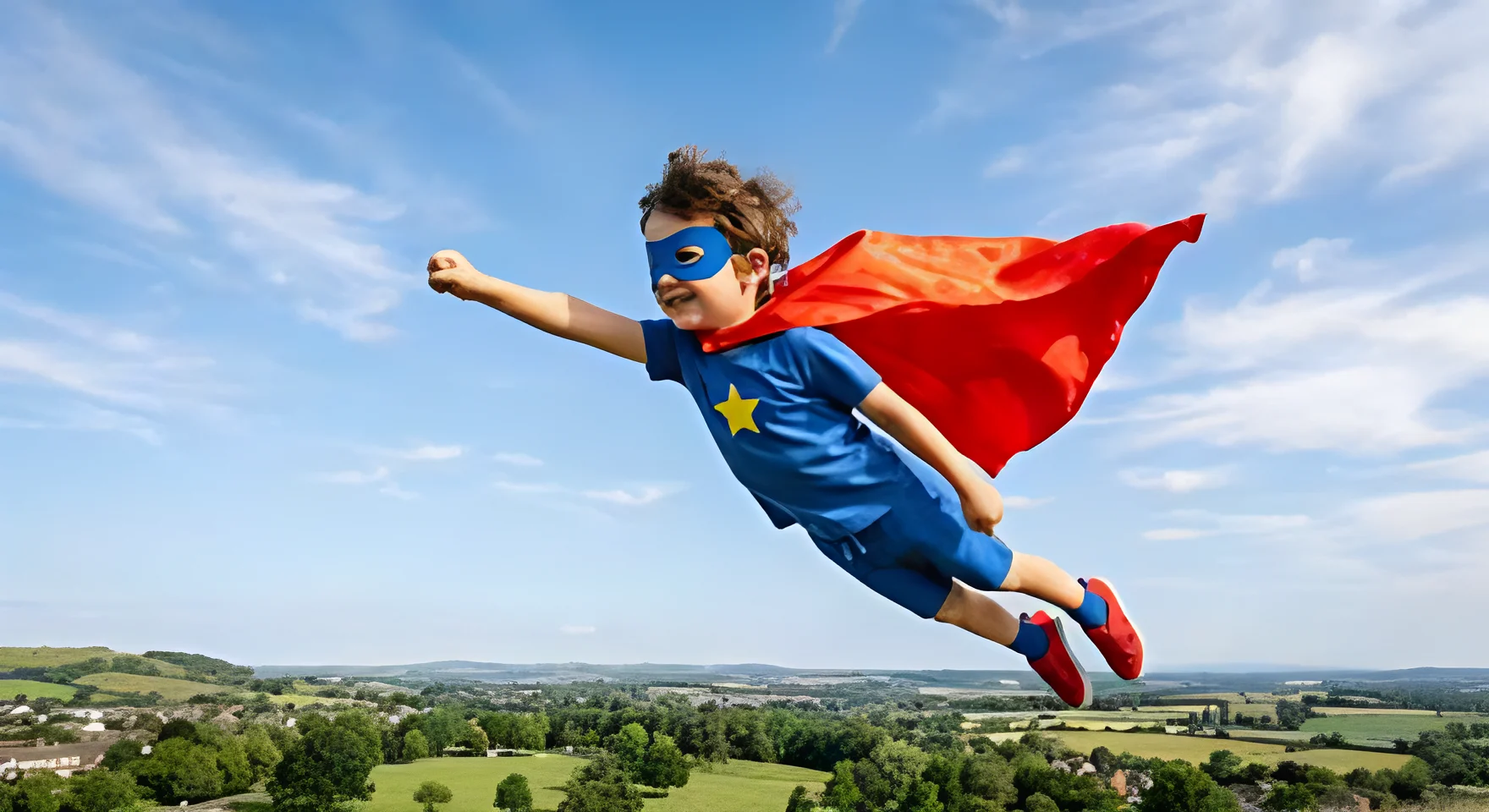

For portraits
Hair, skin and the smile come out clear instead of soft.
Why people use this one
Your image stays on your device
The tool runs inside your browser, so your photo is never uploaded. Our server only counts how many images you used today. That is all it knows.

You choose how sharp it looks
Move the strength between natural and sharp, and drag the line to compare with a normal stretch before you download. Try the strength here.
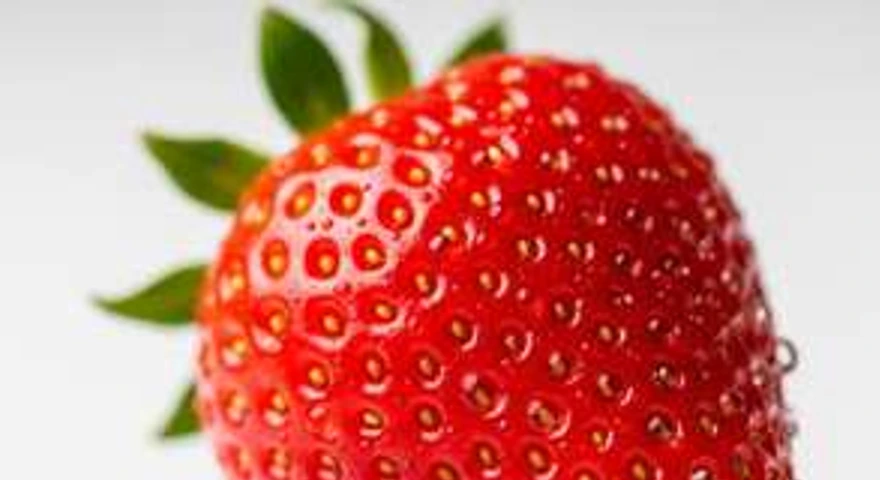
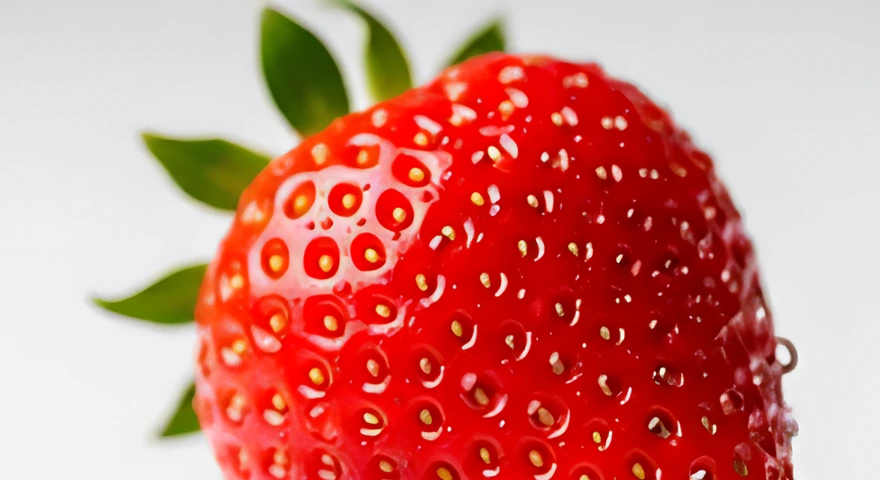 Sharper Strength 70%
Sizes that fit stock sites
Pick a download size and see at once if Adobe Stock, Shutterstock and Dreamstime take it. Try the sizes here.
How it works
- Step 1
Add an image
Drop it in, paste it with Ctrl + V or choose a file. Your image stays on your device.
- Step 2
Pick the size
Choose 2x, 4x, 16 MP for stock sites or your own size, then set the quality and strength.
- Step 3
Download
Drag the line to compare with a normal stretch, then save a PNG or a JPG.
Free and paid plans
| Feature | Free | Silver | Golden |
|---|---|---|---|
| Images a day | 10 | 50 | 150 |
| Download size | Up to 2x | Up to 4x | Up to 4x |
| 16 MP for stock sites | Not included | ||
| Best quality | Not included | ||
| Fast quality, strength, PNG and JPG |
Questions
Short answers about the Image Upscaler.
See all questionsYes. You can make 10 images bigger every day for free, with no sign-up and no card.
No. The work happens in your browser, on your own device. Your image never leaves it. Our server only counts how many images you used today.
Free goes up to 2x of your image. Silver and Golden go up to 4x, or 16 MP for stock sites. You can also type your own size.
Fast is quick and sharp, and it is on every plan. Best takes longer and looks the most natural, on Silver and Golden.
It mixes the upscaled image with a normal stretch. Lower looks softer and more natural, higher looks sharper.
JPG, PNG and WebP images up to 25 MB, at least 64 px on each side. Very large images are worked on as a 40 MP copy.
A PNG or a JPG. There is no watermark on your download.
The tool is saved in your browser once. After that it opens at once.
The latest Chrome or Edge on a computer.






Make your first image bigger now
It takes a few seconds, and your image stays on your device.