Get the color palette of any image
Add an image and see its main colors with HEX and RGB codes and how much of the image each one covers. Click any spot to get its exact color.
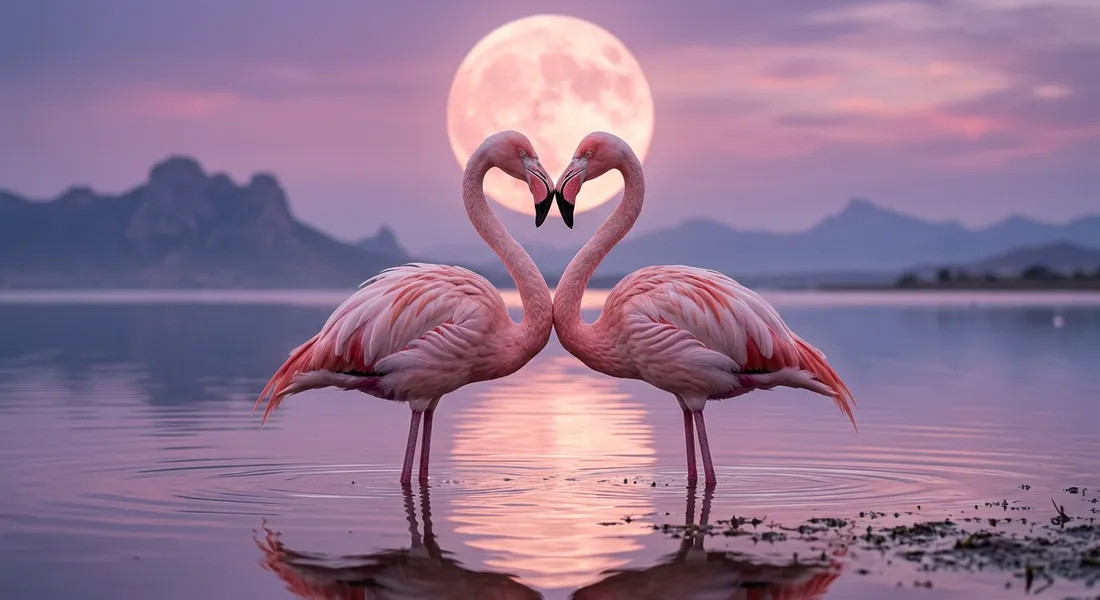
Every image has a handful of colors that set its mood. This tool finds them for you, so you can match a design, a brand or your next AI prompt to a picture you like.
- Nothing is uploaded
- No daily limit
- No sign-up
- HEX, RGB and CSS
Why people use this one
The main colors, biggest first
Pick 5, 6 or 8 colors. Each one shows its HEX and RGB code and how much of the image it covers, so you know which color leads.
Pick any exact color
Click any spot of the image and get the exact color there, ready to copy. Good for a logo, a sky or one small detail.
Copy it the way you need
Copy the whole palette as HEX codes, RGB values or CSS variables, or download it as a PNG to keep next to your work.
How it works
- Step 1
Add an image
Drop it in, paste it with Ctrl + V or choose a file. It stays on your device.
- Step 2
Read the colors
See the main colors, biggest first, or click any spot of the image for its exact color.
- Step 3
Copy or download
Click a color to copy it, copy all as HEX, RGB or CSS, or download the palette as a PNG.
Questions
Short answers about colors, codes and privacy.
See all questionsThe image is read at a small size in your browser and its pixels are grouped into the number of colors you pick. Each color is the average of its group, and the percent is how much of the image that group covers.
A small detail covers only a few pixels, so it can be grouped with a bigger color. Pick 8 colors, or click that spot of the image to get its exact color.
No. Everything runs in your browser. Your image is never sent to our server.
HEX codes, RGB values or CSS variables. You can also download the palette as a PNG with each HEX code under its color.
Yes. No limit and no account.






Find the colors of your next image
Main colors, exact picks and codes to copy. Free, with no limit.