Resize, crop and convert any photo
Make a photo smaller or bigger, crop it to a square, a story or a thumbnail, and save it as JPG, PNG or WebP. Your photo never leaves your device.
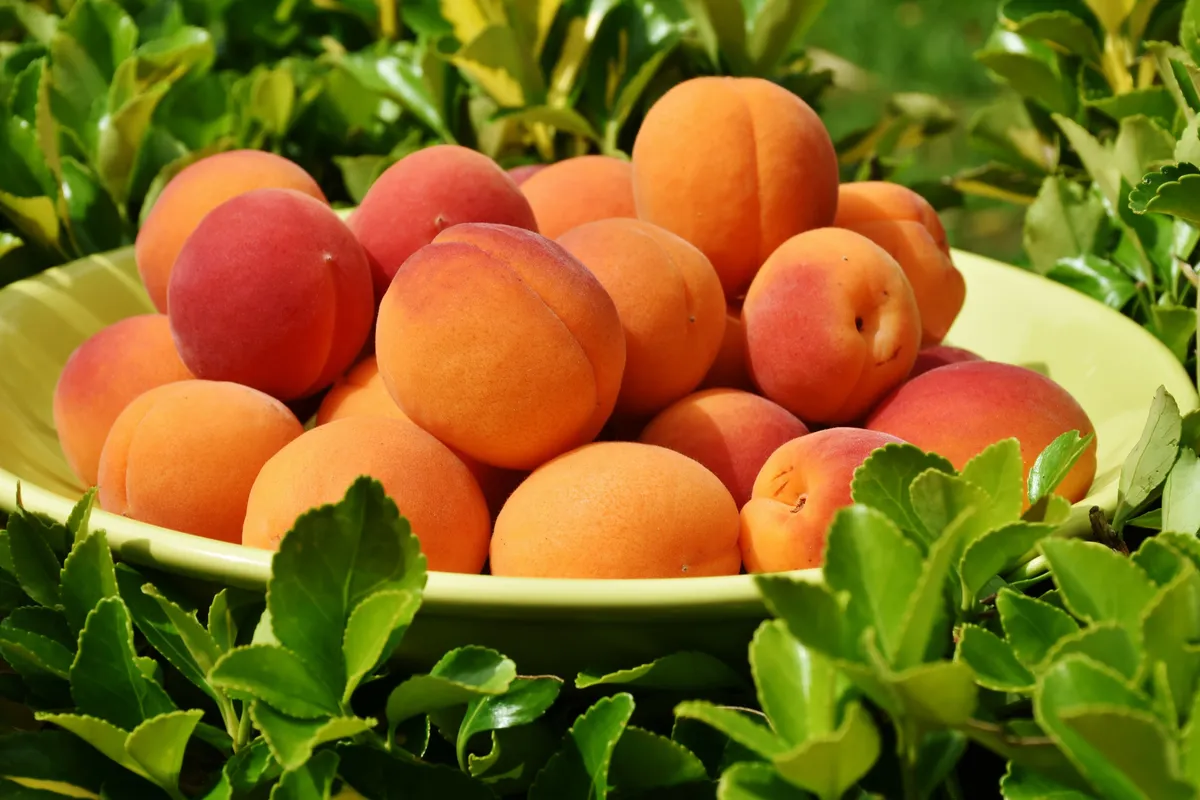
Every place wants a photo in its own size: a square post, a tall story, a 1280 x 720 thumbnail or a 4 MP file for a stock site. This tool crops, resizes and converts in one go, right in your browser.
- Nothing is uploaded
- No daily limit
- No sign-up
- JPG, PNG or WebP
Why people use this one
Crop to the shape you need
Pick a square, 4:5, 16:9, a story or any free shape, then drag the frame to the part you want to keep. The ready sizes crop and resize in one click.
Resize without stretching
Type a new width and the height follows the crop, or pick 25, 50 or 75 percent. Big shrinks are done in steps, so fine lines stay smooth.
- Original6000 x 400024 MP
- 50%3000 x 20006.00 MP
- Width 19201920 x 12802.46 MP
- 25%1500 x 10001.50 MP
The right format and the right size for stock
Save as JPG, PNG or WebP with your own quality. As you change the size, you see which stock sites accept it, like Adobe Stock at 4 MP or more.
How it works
- Step 1
Add a photo
Drop it in, paste it with Ctrl + V or choose a file. It stays on your device.
- Step 2
Crop and resize
Pick a ready size or a crop shape, drag the frame, then type a width or pick a percent.
- Step 3
Pick a format and download
Choose JPG, PNG or WebP and the quality, then download the new file.
Questions
Short answers about resizing, formats and privacy.
See all questionsNo. The tool runs in your browser. Your photo is read, cropped and saved on your own device and is never sent to our server.
Making a photo smaller keeps it sharp. Making it bigger than the original makes it soft, so for that use the Image Upscaler. JPG and WebP files are compressed: at quality 90 most people see no difference, and PNG keeps every pixel.
JPG, PNG and WebP open in every modern browser. Other types, like GIF, BMP or AVIF, open when your browser can show them.
No. The new file is drawn fresh, so camera details (EXIF) such as the camera model, date and location are not kept. Some stock sites, like Alamy, want them on your first upload, so send the original there.
Up to 12,000 pixels on a side and 100 megapixels. Phones have less memory, so very big files may not work there.
Yes. No limit and no account.





Resize your next photo
Crop, resize and convert in your browser. Free, with no limit.