
Midjourney has changed how designers, artists, and creators generate images. But getting great results depends entirely on one thing: your prompt.
What Makes a Good Midjourney Prompt?
A great Midjourney prompt has four components: subject, style, lighting, and parameters. Missing any one of these often leads to generic, disappointing results.
Think of it like giving directions to a very talented but very literal artist. The more specific you are, the better they can execute your vision.
The Prompt Formula
Use this structure for consistent, high-quality results:
[Subject + Details] + [Art Style] + [Lighting] + [Camera/Lens] + [Mood] --ar [ratio] --v 6.1 --stylize [0-1000]
Bad Prompt: a woman in a city at night
Good Prompt: Portrait of a young woman in a rainy Tokyo street at night, neon reflections on wet pavement, cinematic photography, 85mm f/1.4, shallow depth of field, moody blue and pink color palette --ar 4:5 --v 6.1 --stylize 750
Essential Midjourney Parameters
--ar 16:9 → Aspect ratio (landscape) --v 6.1 → Always use latest version --stylize 750 → How artistic (0=literal, 1000=abstract). Use 500–800 for most work --style raw → Less Midjourney influence, more photorealistic --chaos 20 → How varied the 4-image grid is (use 10–30) --no text, watermark → Always add this to exclude unwanted elements
Top Prompt Styles That Work
Cinematic: "cinematic photography, volumetric lighting, anamorphic lens flare" Anime: "Studio Ghibli style, soft watercolor, detailed background" Product: "clean studio shot, white background, soft shadow, professional lighting" Architecture: "architectural visualization, golden hour, drone shot, ultra-realistic" Portrait: "shot on Hasselblad, 80mm f/2, catchlights, rim lighting"
Common Mistake Don't use vague adjectives like "beautiful," "amazing," or "good." Midjourney doesn't understand these. Use specific visual descriptors instead.
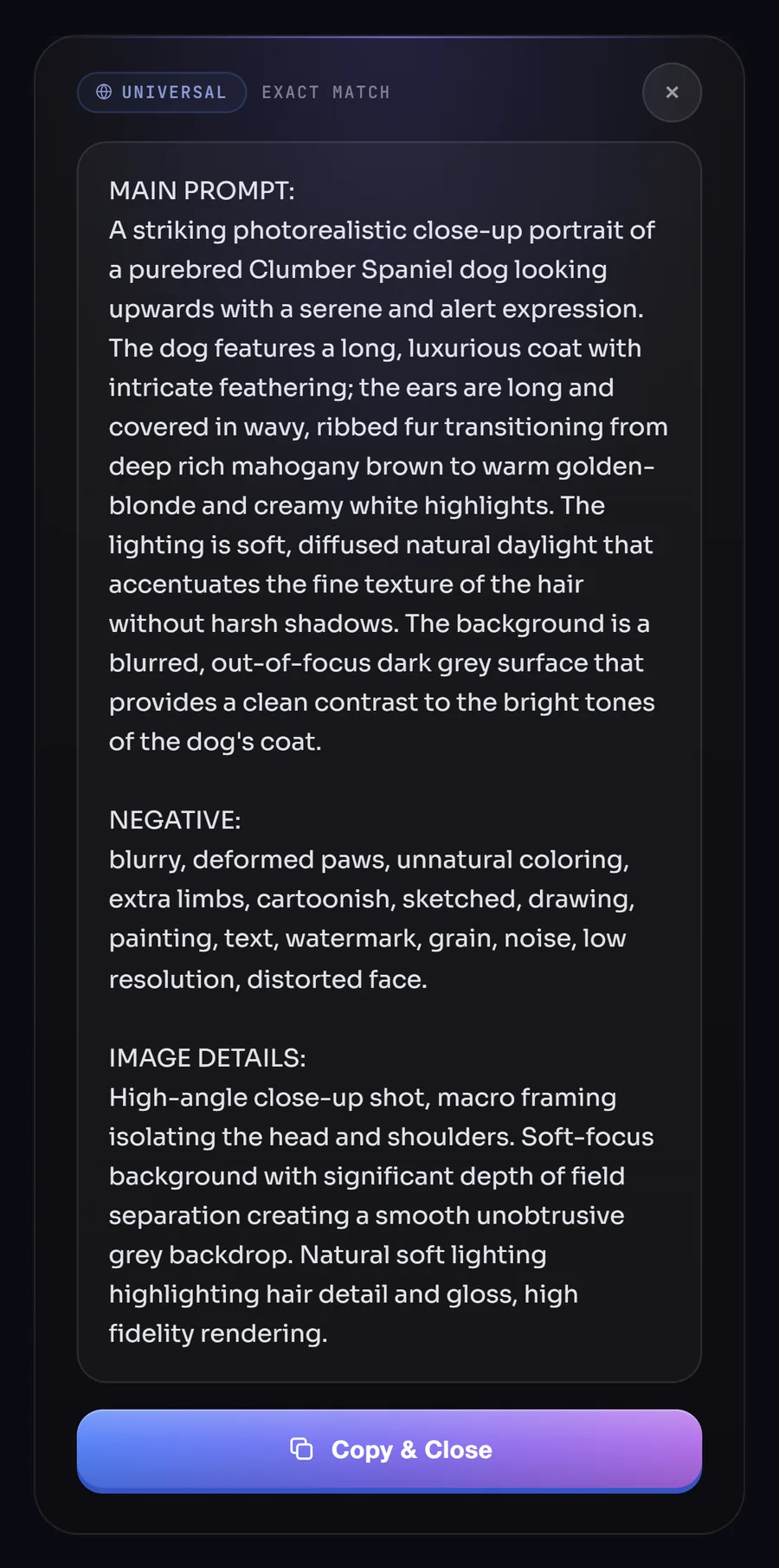
The Fastest Way to Build Prompts Instead of spending 10 minutes writing a prompt from scratch, use PromptMaster Pro. Right-click any image that has the style you want, and the AI generates a complete, optimized prompt in 1–2 seconds. It works on any website — Pinterest, Behance, Instagram, Unsplash, Google Images.